A thousand brushes collected. How many do you actually use?
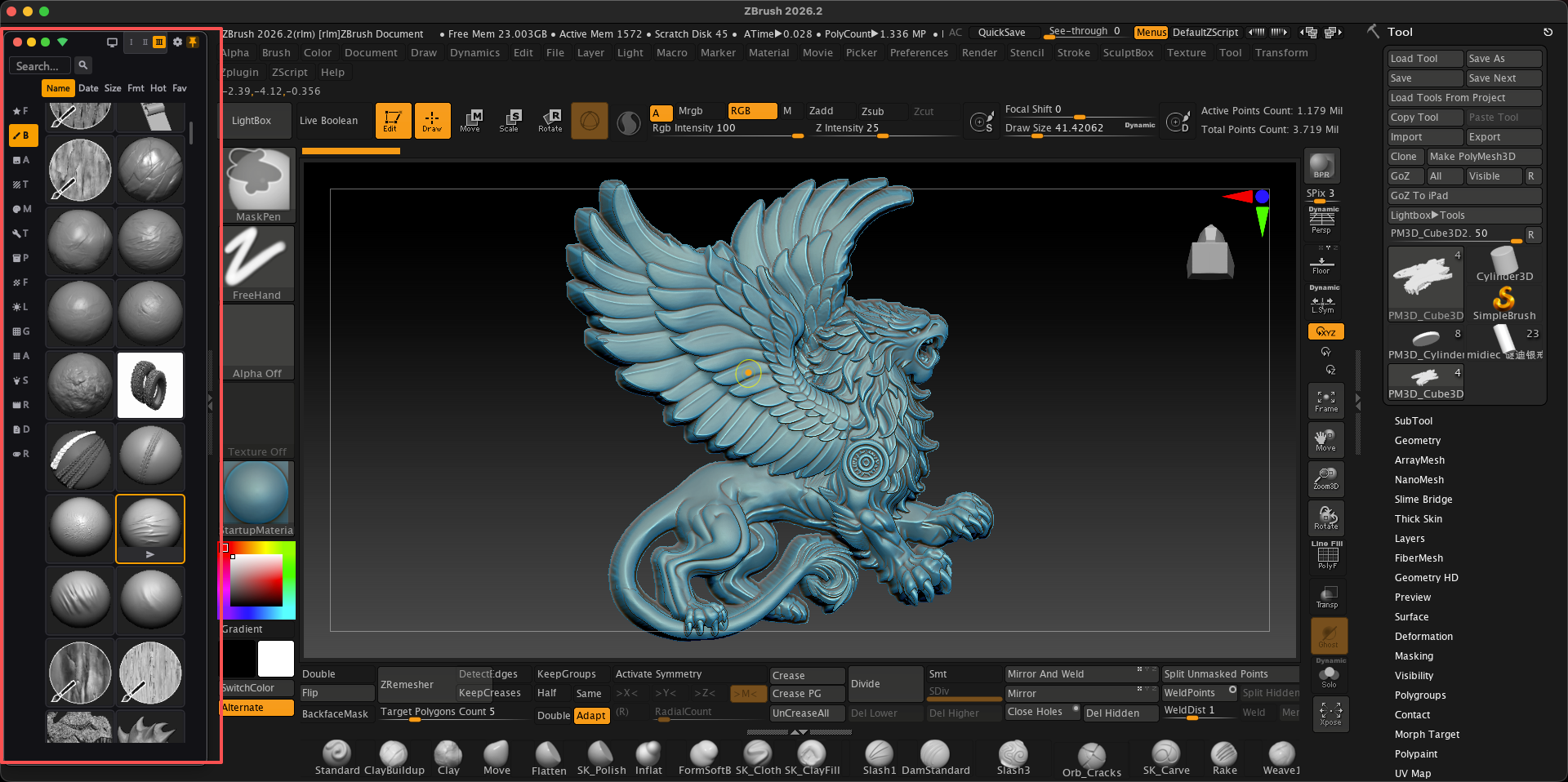
The ones you hunted down, bought and hoarded shouldn't gather dust. Double-click a brush: ZBrush switches itself. A three-size mini window makes sculpting effortless.
SculptBox is a ZBrush brush manager for macOS and Windows. It plugs your whole brush library into ZBrush: thumbnail browsing, millisecond search, and double-click auto-switch.
Sound familiar?9 problems you hit every day in ZBrush.
01Ten years of collected brushes — dozens of GB — scattered across several drives and folders. Finding one takes half an hour.02ZBrush only reads its own folder. The libraries you bought and hoarded? It can't see them at all.03To use one you load it by hand, one at a time, with Load Brush. A few hundred and your wrist gives up.04And even then it fights back: once the palette gets big, ZBrush hides the extras behind the R button (their own documentation says so).05In Finder or Explorer a brush file is just a nameless file. No thumbnail, no preview — you guess from the filename.06A complex piece needs dozens of brushes — so you flip between ZBrush and a folder window, hundreds of times a day.07Update or reinstall ZBrush and your carefully arranged setup is gone. The 2026.1 asset-folder change wiped it for plenty of people.08Your dozen go-to brushes get hunted down again every single time — no favourites, no recents.09So dozens of GB sit on a drive, and you cycle through the same dozen brushes.
SculptBox solves them all.No manual loading. No window flipping.
With SculptBox
Your week
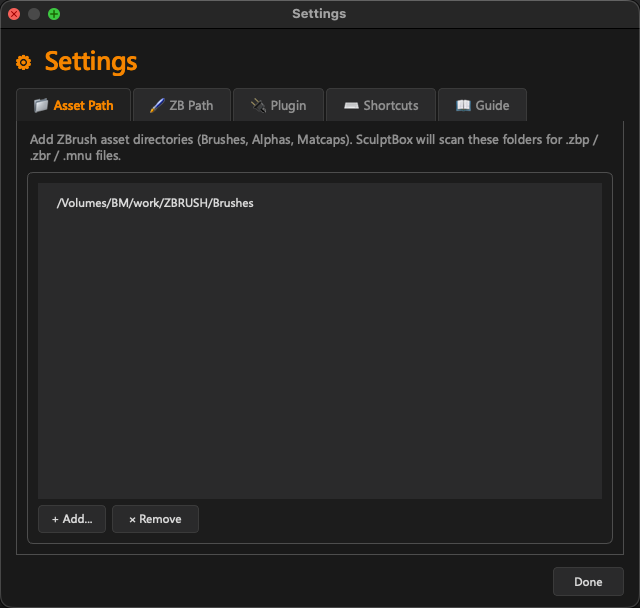
Point at anywhere — external drive, NAS, loose folders. It all comes in.
Brushes scattered across drives and folders
Browse, search and preview it without opening ZBrush.
ZBrush can't see your external library
Double-click one. ZBrush switches to it by itself.
Loading brushes one at a time by hand
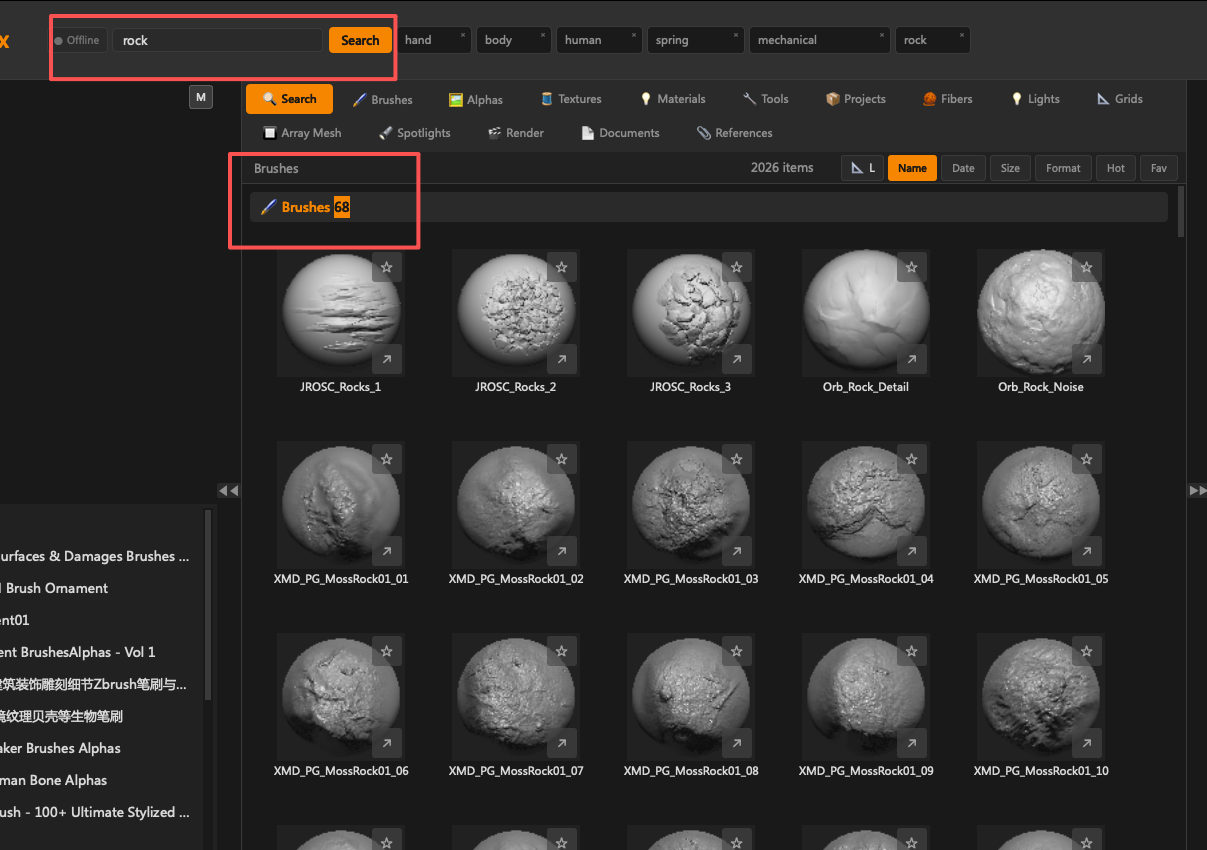
Thumbnail grid plus millisecond search — find one among thousands in seconds.
Extra brushes hidden once the palette grows
Every brush shows its real thumbnail, parsed straight out of the .ZBP.
No thumbnails in Finder or Explorer
A three-tier Mini window sits right beside ZBrush — it never covers the viewport, so you stop flipping windows.
Flipping between ZBrush and a folder window, hundreds of times a day
Your brushes stay on your own drive — read-only, never moved or renamed.
An update or reinstall wipes your setup
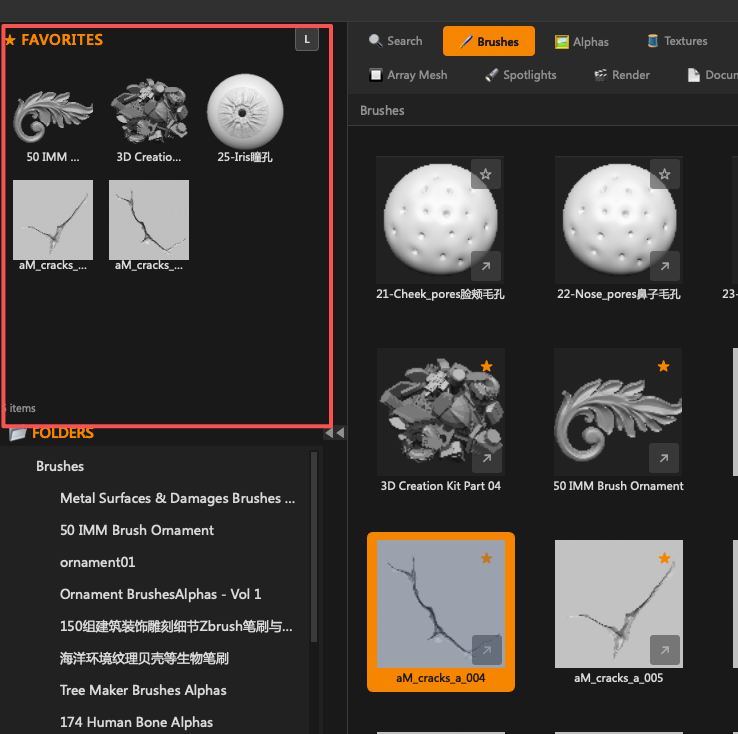
Favourites and recents — your go-to dozen is always within reach.
Hunting down the same dozen go-to brushes every single time
Every brush you collected, finally within reach.
Dozens of GB gathering dust
222brushes ship with ZBrush
0times you load one by hand
~50msto parse each thumbnail
1double-click per switch
See it work: double-click a brush, ZBrush switches itself.
01 — Brush library
Type three letters. It's already there.
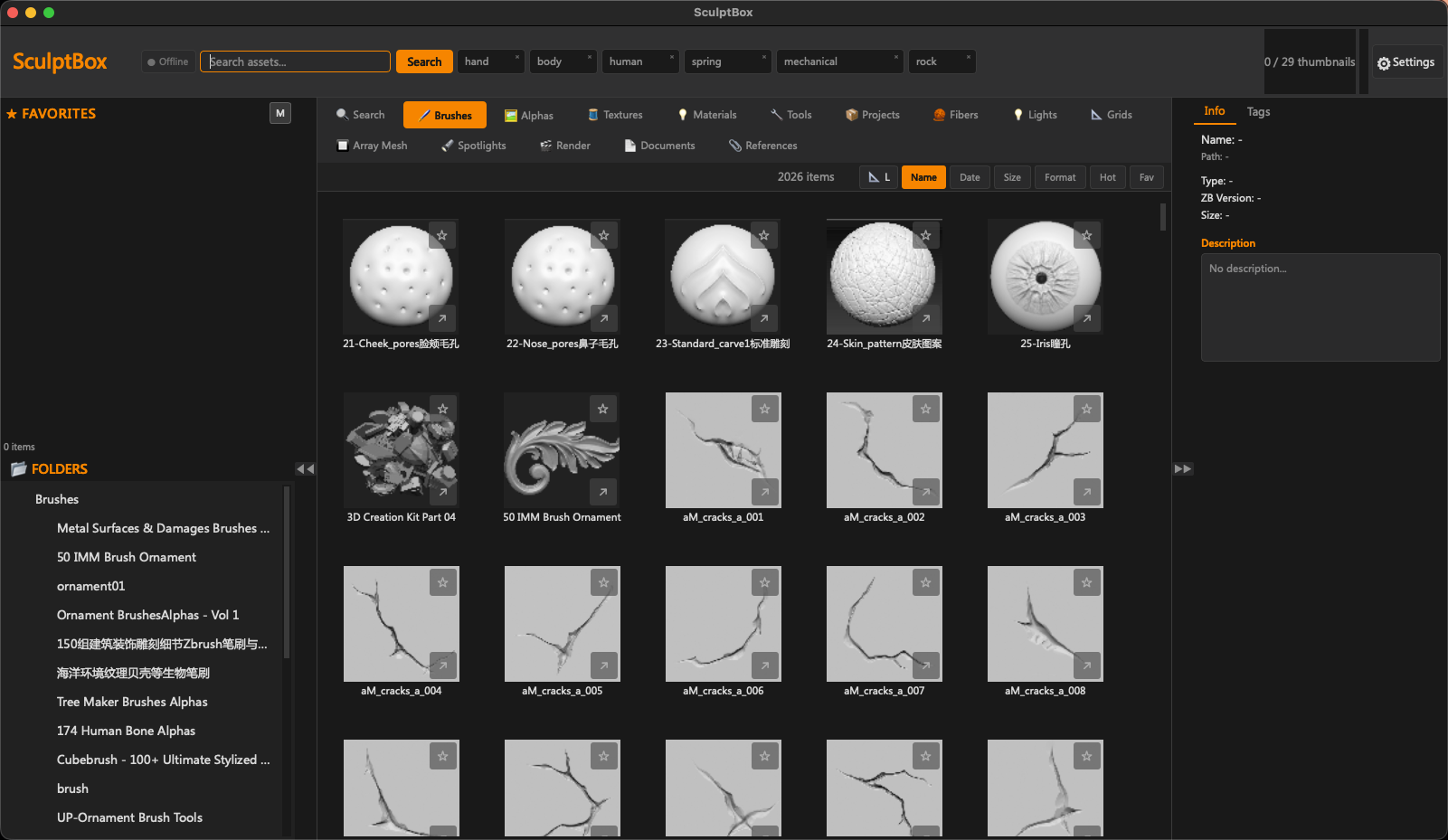
SculptBox indexes the whole library and reads every thumbnail natively — ZBrush doesn't even need to be running. Type a keyword and it filters in milliseconds.
~/ZBrush/ZBrushes brushes indexed
skin3 hits · 4 ms
02 — Sculpt Mode
The window that stays out of the way.
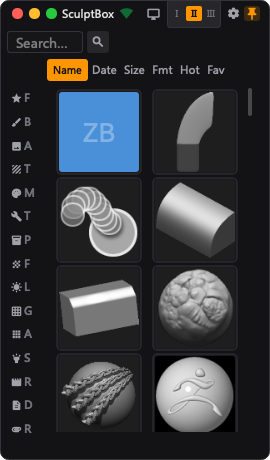
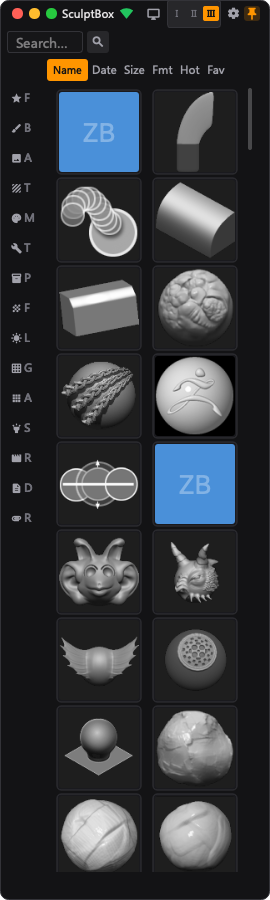
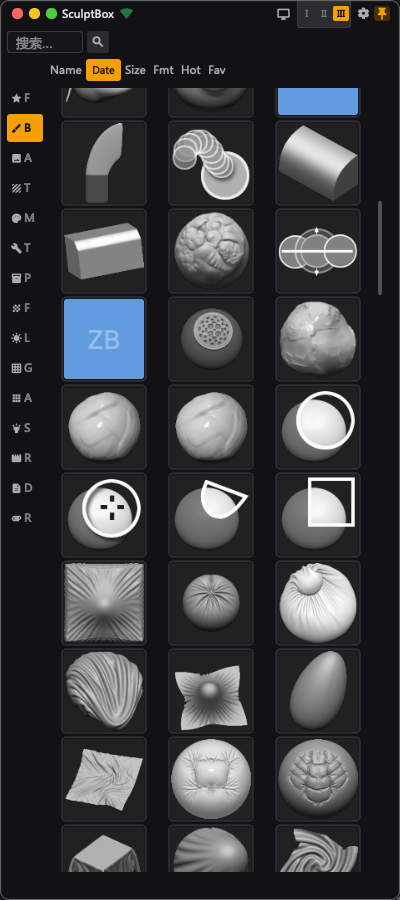
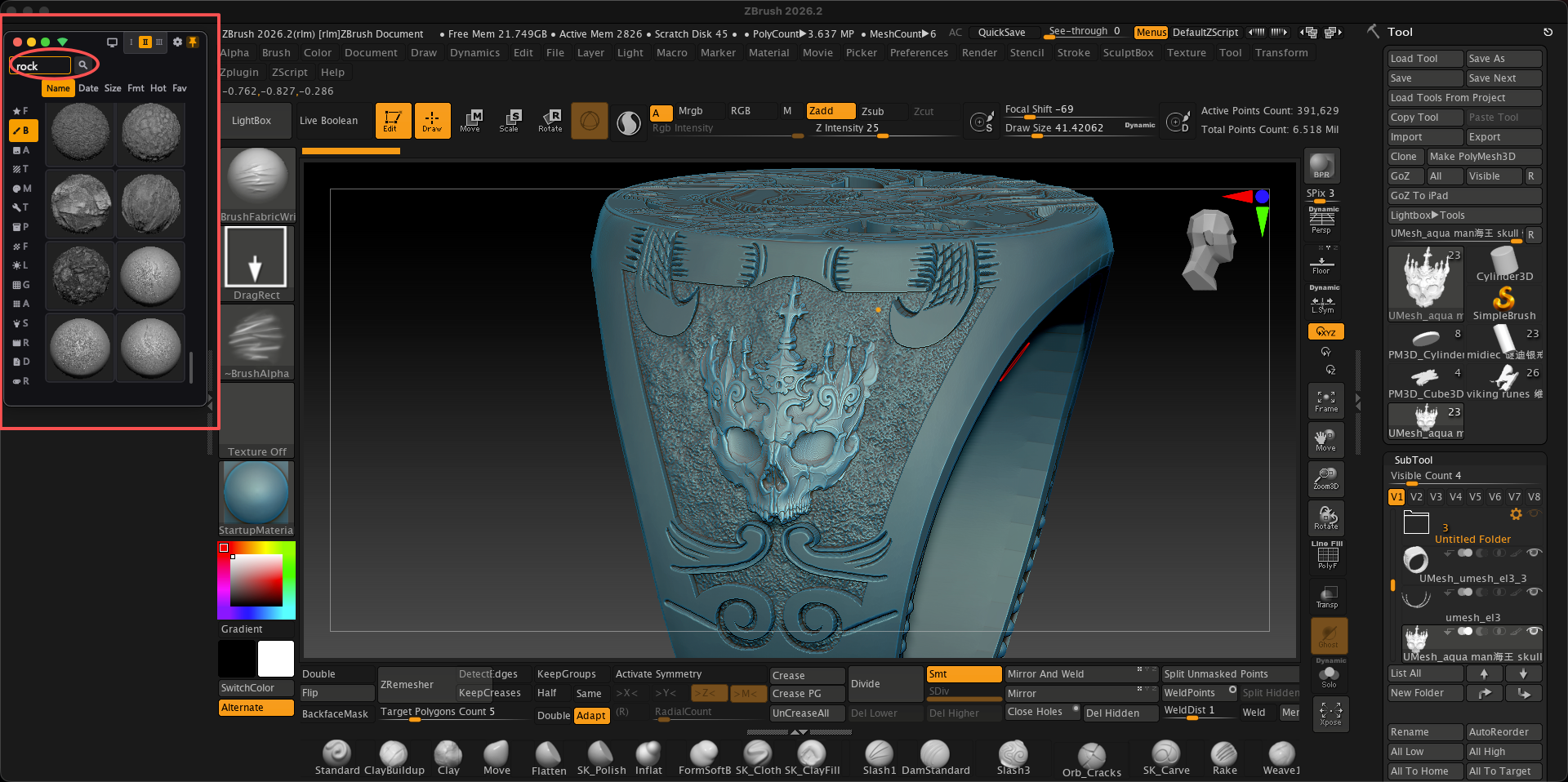
SculptBox's Mini window sits beside ZBrush instead of on top of it. Three heights, drag to resize, and it remembers where you put it — so your viewport never gets covered mid-sculpt.
Always on top — your viewport stays clear
Two rowsThree rowsDrag to resize
03 — Send to ZBrush
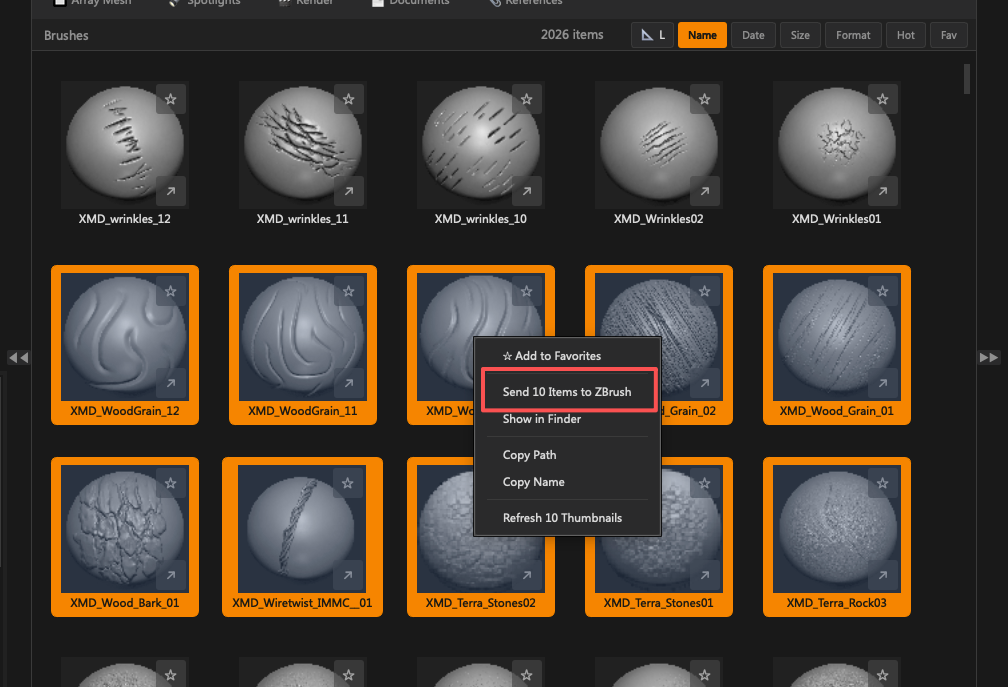
Pick a brush. It's in ZBrush before you let go.
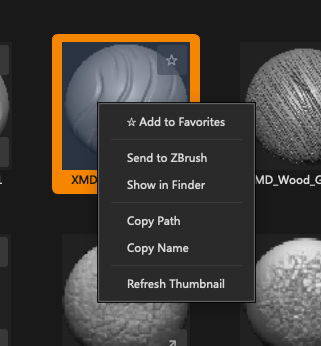
Right-click and send. Sculpt Bridge hands the brush to ZBrush in real time — one brush or a whole batch, straight from your own library.
the actual menu
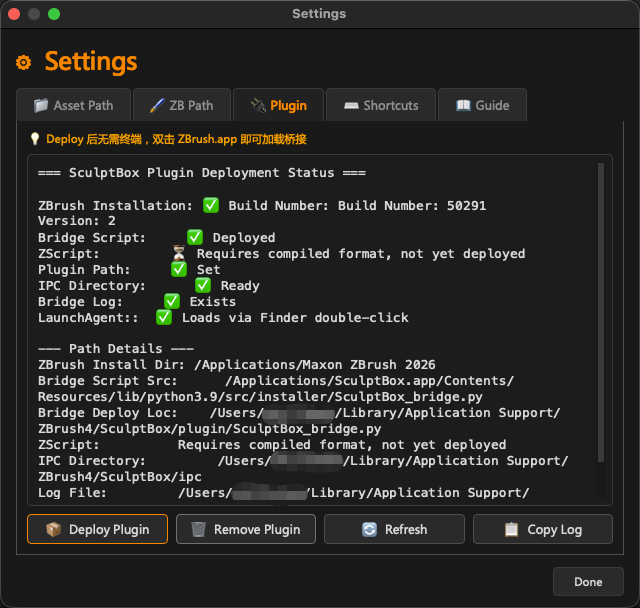
SculptBridge
Received
Features
Your whole library, scanned in one go
External drives, NAS, folders scattered anywhere — point at it and it's in. Brushes, alphas, materials and textures sorted into their own categories. Read-only — your original files are never moved, renamed or copied.
Three-size mini floating window
Sculpting, finally effortless. A small window that sits beside ZBrush — browse, search and send without covering your viewport. Three heights, drag to resize, always on top.
Thumbnail Preview
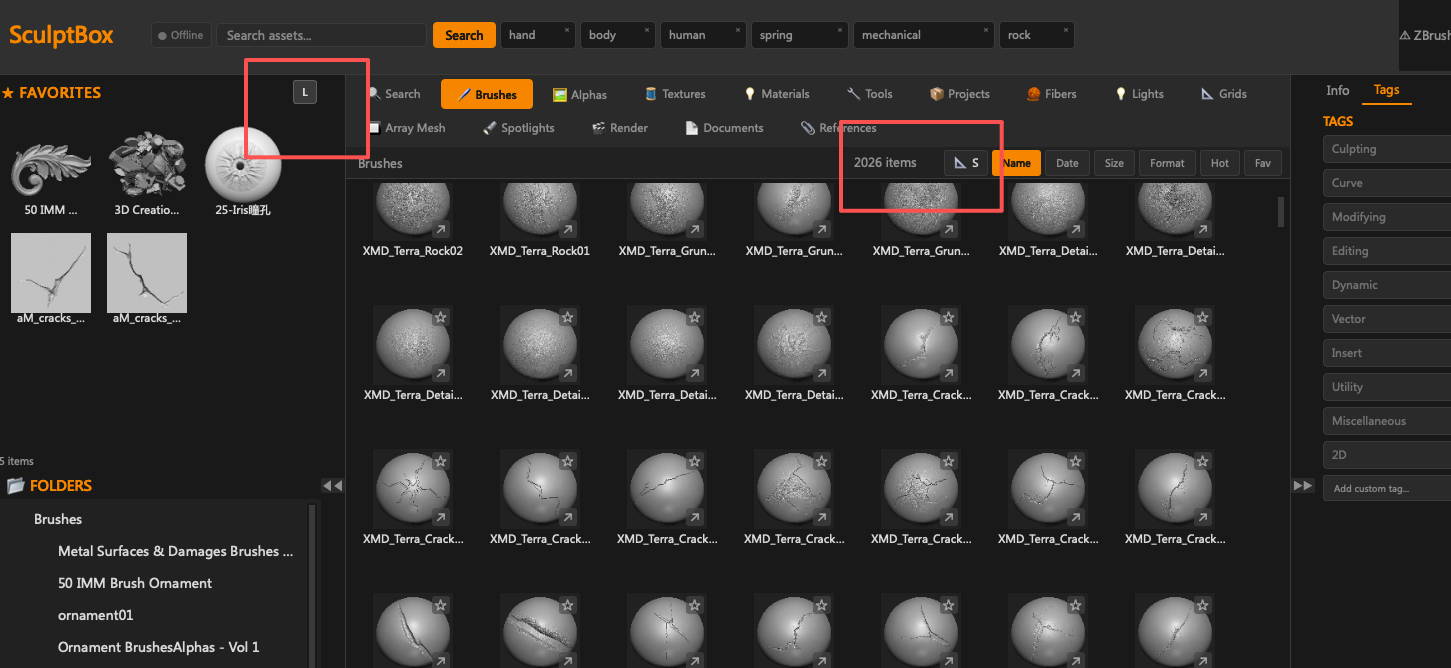
Every brush shows its real thumbnail, parsed natively from the .ZBP file in about 50ms — no more guessing from file names. Switch between S / M / L grid sizes to match how you browse.
Search & Tags
Type a keyword and the library filters instantly — find that one insert mesh (IMM) brush among thousands in milliseconds. 10 auto-tags (Sculpting, Curve, Insert, Utility) plus your own; click to filter, and the selection persists across sessions.
Favorites
Star your most-used brushes. Access them in one click. Always at the top of your library.
Double-click = done
This is why SculptBox exists. No opening ZBrush, no loading brushes one by one with Load Brush, no digging through the palette — double-click a brush and ZBrush switches itself.
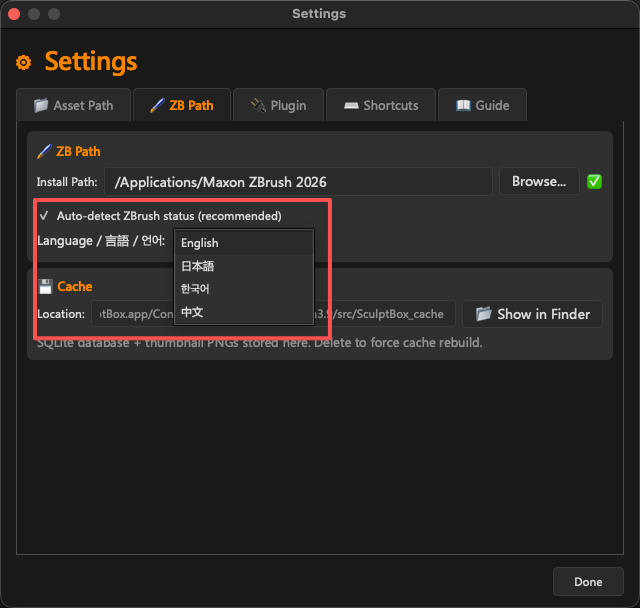
This was a V1.0 bug caused by nested scan directories (the same brush appearing under both a parent and a child folder). V1.1 filters nested paths automatically and de-duplicates by file path. If you still see duplicates, re-scan your library from Settings.
Does SculptBox send any data?
The only network access is an optional update check, and it sends nothing but the request itself. You can turn it off in Settings → Update. Your brush library and file names never leave your machine.